
387: Get Started with Fusion in DaVinci Resolve 20
387: Get Started with Fusion in DaVinci Resolve 20
$19.95
Yes, DaVinci Resolve Fusion is intimidating. But you can still learn to use it effectively. In this session, Larry Jordan starts at the very beginning and by the time you’re done, you’ll easily create animated text and titles in Fusion. Really!
Presented: Sept. 10, 2025
Several times each month, Larry Jordan presents a live, on-line, video webinar presenting issues related to video editing and post-production. For a list of upcoming webinars, click here.
Duration: 59:34
Download file size: 1.8 GB (ZIP file)
Format: MPEG-4 movie (HD: 1920 x 1080)
DOWNLOAD NOTE: After you complete the store checkout process, you will see a Download Link on the Order Confirmation page. This link allows you to download the product to your computer. You are given four attempts over ten days to download the file.
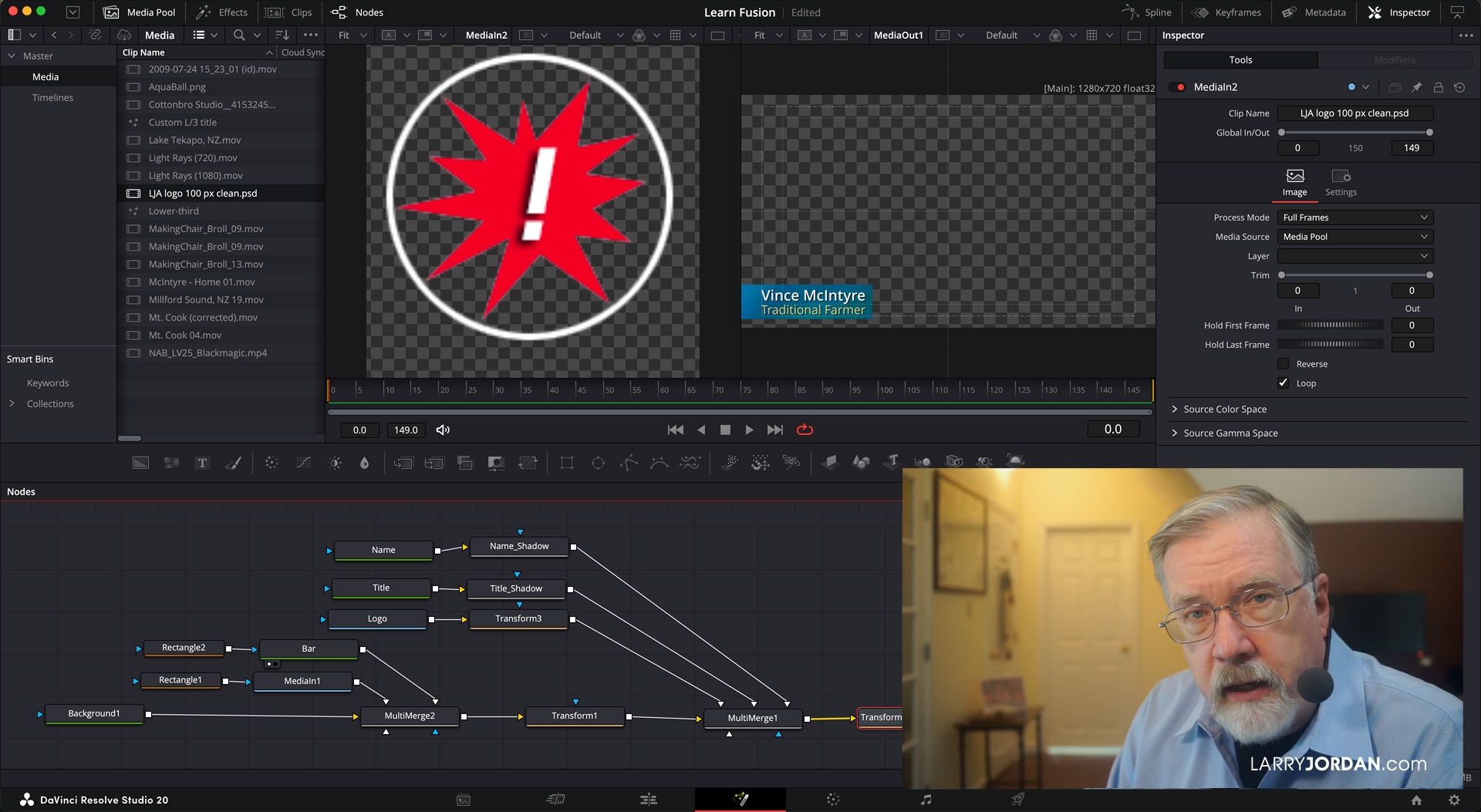
Click to see larger image.
SESSION DESCRIPTION
Are you as intimidated by Fusion as I was? While Fusion can do lots of amazing things, it also has a learning curve that goes straight up. Still, there’s hope. Because the MAIN reason most editors will benefit from leaning Fusion is to create custom animated text titles.
In this session, Larry Jordan – who is ABSOLUTELY NOT any kind of an artist – shows how to create simple, highly-formatted, animated text titles and effects using Fusion. For example:
- The Fusion interface. Yes, it is even weirder than you suspect.
- Nodes and Node trees. The heart of Fusion.
- How to wire a node tree to create a very simple effect.
- How to create, format, and modify text.
- How to add backgrounds and masks.
- How to add logos and video.
- How to animate a text effect using keyframes.
- How to create a Fusion comp to share between projects.
Let this session take the fear out of Fusion, and let you be productive again.
AUDIENCE LEVEL
This is an advanced-level session. Some knowledge of any version of DaVinci Resolve will be helpful.
NOTE: If you don’t any anything about Resolve, this “Getting Started” session is the best place to start!
CLOSED CAPTIONS
This webinar now includes a separate, SRT-formatted, closed caption file as one of the download files. This tutorial explains how to connect it to the video itself.
CHAPTER MARKERS
To help you quickly find the information you need, we included chapter markers in the QuickTime download to simplify navigation. Click here to learn how to display them in your download.
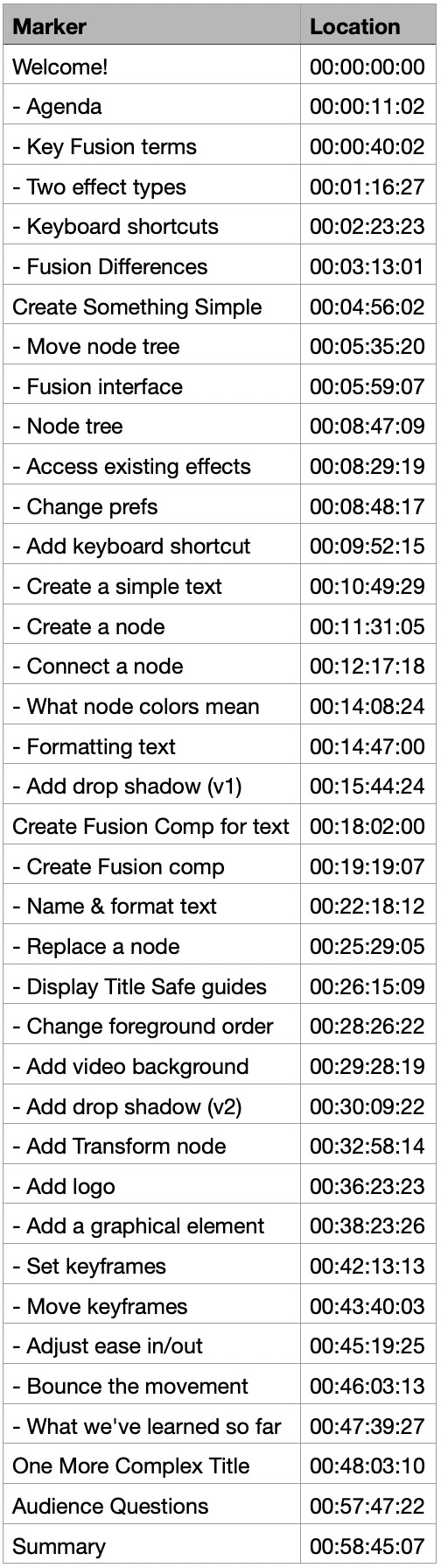
DETAILED CONTENT OUTLINE
- Welcome!
- – Agenda
- – Key Fusion terms
- – Two effect types
- – Keyboard shortcuts
- – Fusion Differences
- Create Something Simple
- – Move node tree
- – Fusion interface
- – Node tree
- – Access existing effects
- – Change prefs
- – Add keyboard shortcut
- – Create a simple text
- – Create a node
- – Connect a node
- – What node colors mean
- – Formatting text
- – Add drop shadow (v1)
- Create a Fusion Comp
- – Create Fusion comp
- – Name & format text
- – Replace a node
- – Display Title Safe guides
- – Change foreground order
- – Add video background
- – Add drop shadow (v2)
- – Add Transform node
- – Add logo
- – Add a graphical element
- – Set keyframes
- – Move keyframes
- – Adjust ease in/out
- – Bounce the movement
- – What we’ve learned so far
- One More Complex Title
- Audience Questions
- Summary
